Showing posts with label Review. Show all posts

Thursday, July 8, 2010

Review: Moleskine Kindle Cover

I got this awhile back [like 1.5 weeks ago] but am finally making a review for it since 1) I'm a Moleskine fan [my friends know that already and so when this case was making the blog newsreel, couple of friends already knew I'd get this]--check this, this, and this--and 2) I love my Kindle! So what better way than to combine the both!
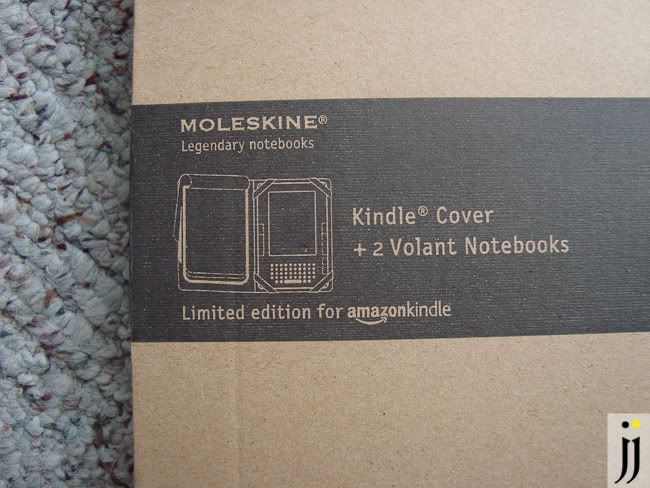
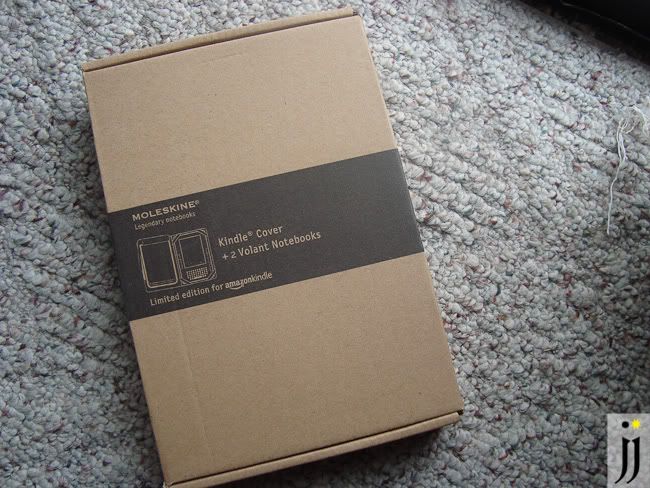
Packaging is simple--cardboard box with some black printing of the content inside.
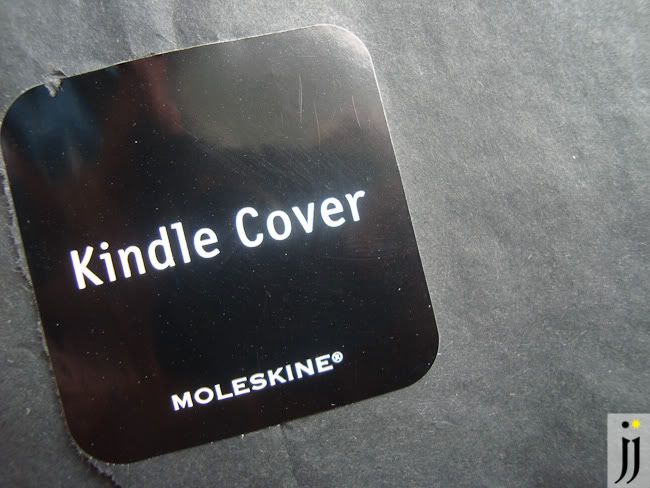
I couldn't wait any longer but this sticker with the Moleskine Kindle cover wrapped in black tissue paper was a simple and elegant touch to it.
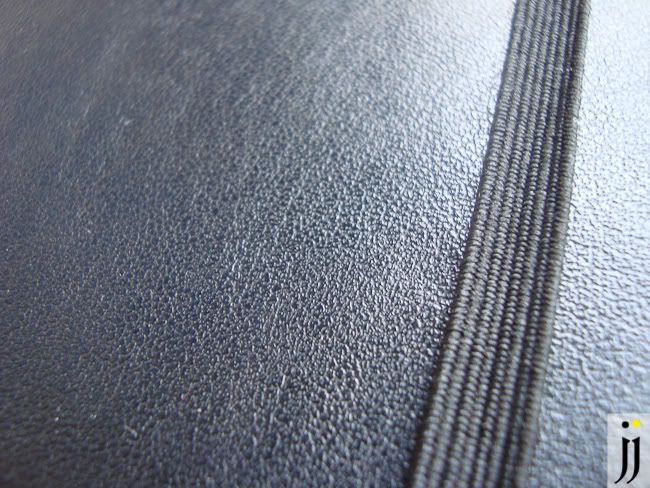
Known for that elastic band [in which many imitator's out there copy now], this keeps the Kindle cover from flapping open expectantly. I will say though that the usual oil-clothed cover is a little "oily" than it usually is... it has a "sticky" factor so it does pick up dust/hair easily but a few wipes takes care of that.
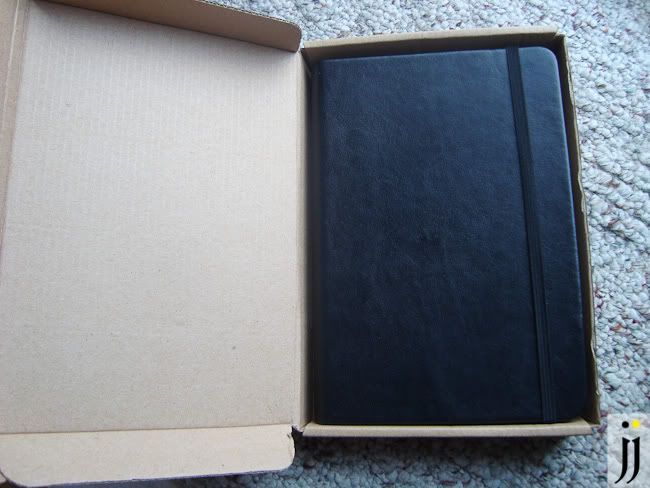
If you were to open it, you'd find it wrapped in that black tissue but inside the box is just that plus a little pamphlet with the explanation of the Moleskine.
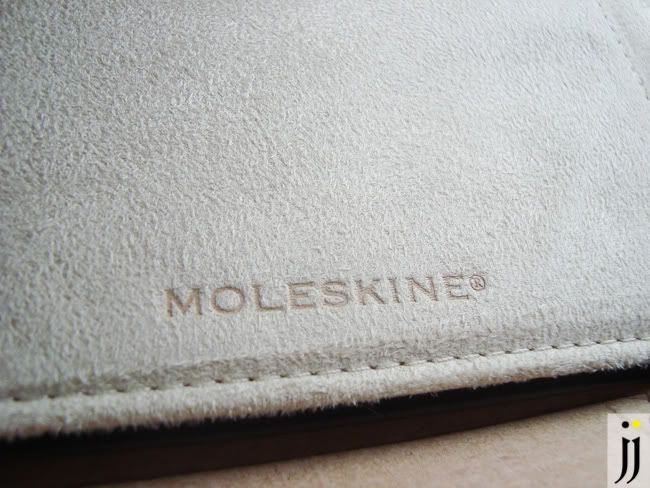
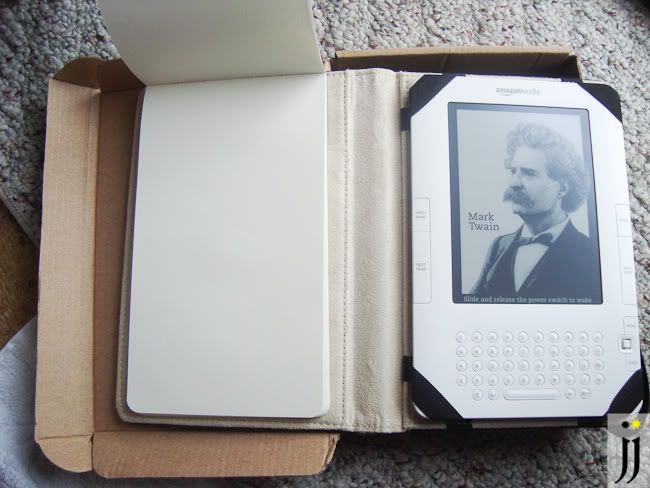
What sets this Moleskine apart from its classic notebooks is this nice suede like lining to ensure that the Kindle doesn't get scratched. It's definitely nice to touch and makes it seem more expensive!
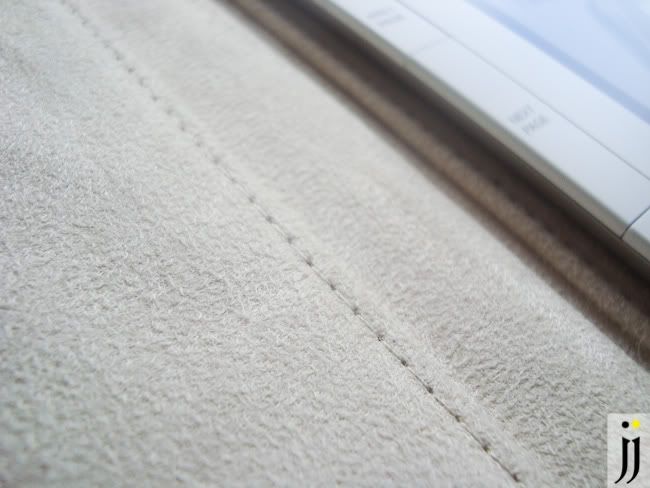
Another detail shot of the suede-like lining of the Moleskine Kindle cover. Very nice Moleskine!
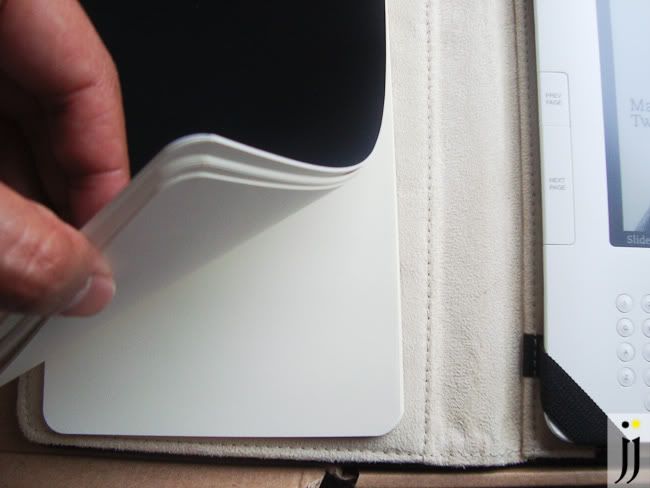
What is nice about this cover is that it keeps its analog past present with the digital. Moleskine is nice enough to include two Volant reporter notepads--reporter notepads in general are about $10 so you're getting $20 worth of Moleskine paper already with this cover! [Non-Moleskine fans must be like "Wait, you'd pay $10 for a notepad??! Sigh, if you're a Moleskine fan you'd understand...] I read that these notebooks are made specifically for this cover and its back cover slips in the pocket sleeve in the inside panel.
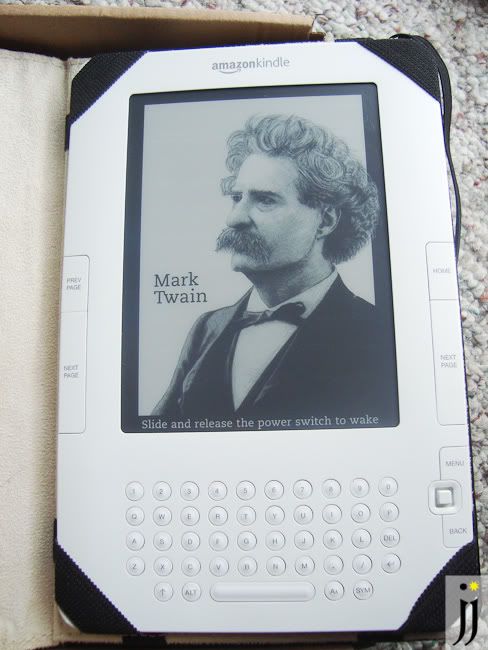
While it doesn't look secure at first, the Kindle is just held by 4 elastic bands. Trust me though, once they're securely on, there is barely give or movement!
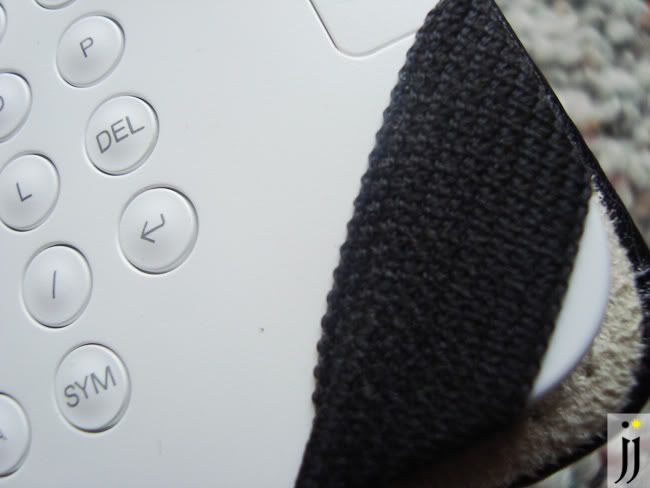
Because it's so snug, the Kindle sadly cannot be attached with a protective cover--so this thing is bare and exposed to outdoor elements. I previously used a cheap eBay bought plastic hardshell but loved it because I can toss it in a bag or table and not worry about--plus, it had a protective plastic screen that was attached to it!
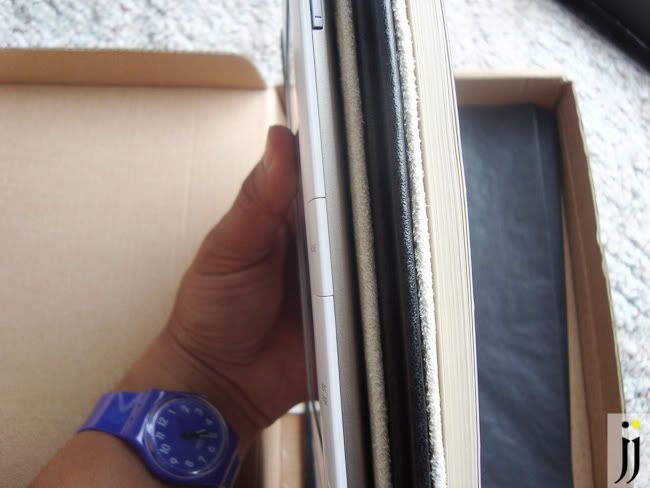
So here's the "problem": You see the Kindle 2? And then I'm sure you see the Moleskine Cover + notebook. This case does definitely add more weight and dimension to the reading experience but if anything, it's like reading a physical book. So don't expect this cover to be the slimmest or lightest!
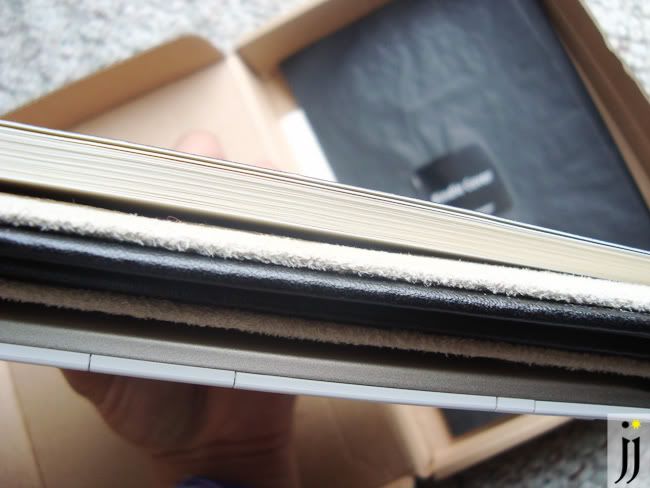
A closeup view of the Kindle cover in "reading mode."
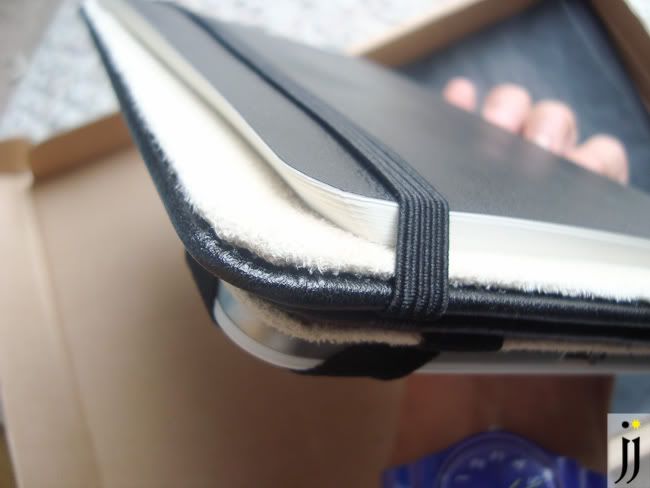
I definitely wasn't thinking before today but I would get annoyed by the reporter notepad flapping away if I didn't hold it properly. Remember I sometimes do it to my regular Moleskine notebooks, I just used the elastic band to hold the cover and notepad closed tight. Wala! Annoyance gone!
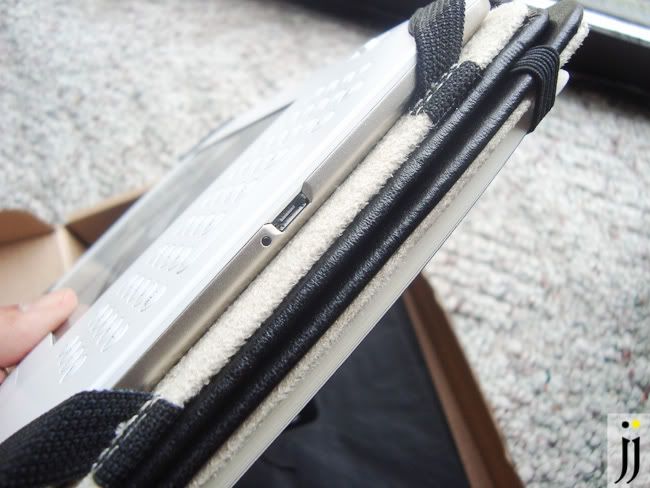
Bottom view of the Kindle strapped securely by the cloth elastic bands and the whole thing being held in "reading position" by the main elastic band.
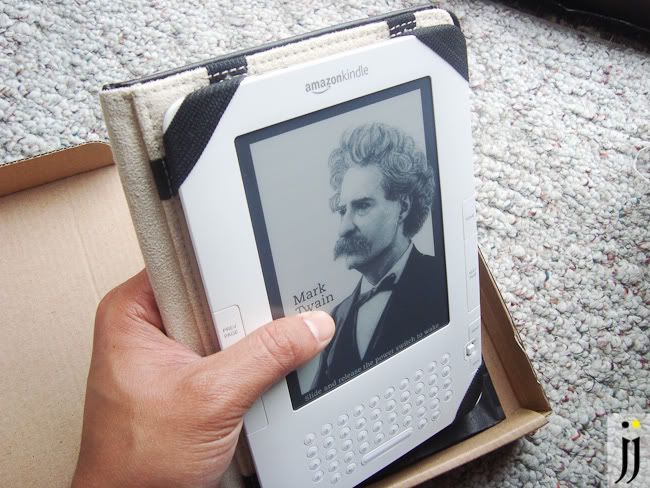
While it does seem thick, the added width does actually become comfortable as you're not holding a piece of thin plastic and metal. On the other hand, the Kindle was meant to be thin and light for portability....so decisions, decisions...
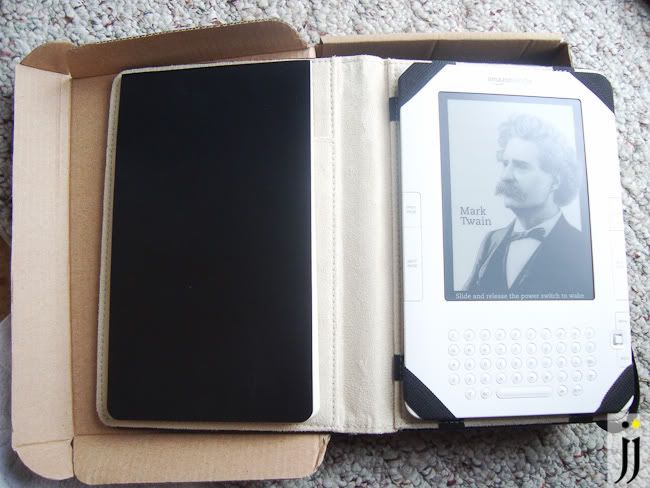
With Volant reporter 'pad closed...

...and open!

Buyer's Advice:
In general, I like this case and am beginning to love it since it blends naturally with my collection of Moleskine notebooks I use everyday. For me, having a notebook around is essential as it's quicker and more convenient than digital in more ways than one. My advice to determine if this cover is perfect for you is get it if:
- You don't mind your Kindle being exposed [you can apply a screen protector but I go against it as it adds glare]
- You need a notepad on hand when you read books on your kindle [on the other hand, the Kindle does have its own highlight and annotation tools..]
- You're a Moleskine fan!
My arguments for you to not get this everything above but opposite: having your Kindle exposed is death waiting to happen, you'd the skip a notepad because you've moved on to digital annotations, and paying extra money because it's branded by Moleskine just doesn't make sense.

In conclusion, the Moleskine Kindle cover is right for me. Yes, it's $39.99 [$5 more than Amazon's official leather cover] but the classic look, it being the official Moleskine cover for Kindle, and integrated notebook had me sold at hello.

Sunday, May 9, 2010

Kodak Playsport Image Test

[You can click each image for a larger view..]

Even though this Kodak Playsport is going to primarily be used for HD video, I wanted to see the images from its 5mp mode.

All images are treated through photoshop and even though it's completely automatic with no control at all, I actually kind of like this change of pace since during shoots I'm always tinkering in manual mode.

While it's shot in widescreen mode and there's no way to change it, it makes me look at scenes differently in "widescreen mode."

I am planning on using this camera more as I'll be using this for video shots during my trip to Hawaii in two weeks [woo hoo!] I can definitely get use to just simply plain video/photo recording.

One of my favorite shots [above] while snapping some random images in cousin's house.

This may be my "toy camera" ala Diana/Holga camera although all images are post processed individually in Photoshop.

Still, I can definitely get use to this style of snap shooting.

Friday, February 19, 2010

Moleskine x Adobe Photoshop Weekly Planner 2010...WIN ONE!

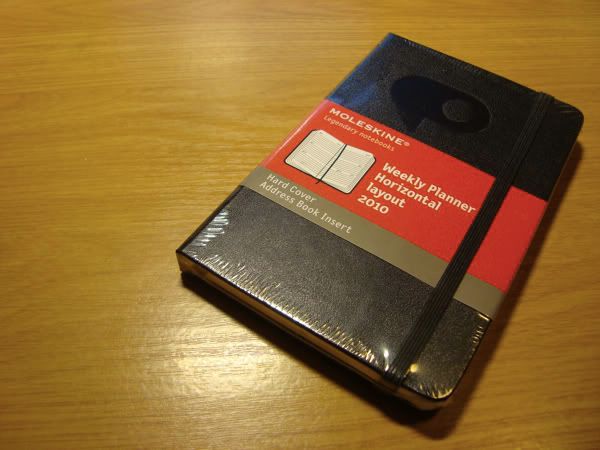
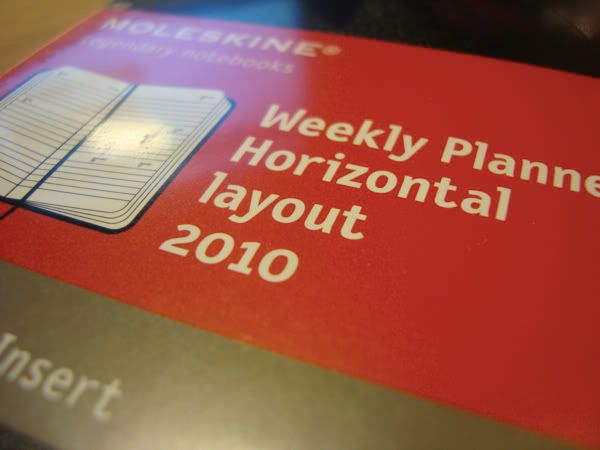
Totally unexpected: Adobe Photoshop's 20th Anniversary event in San Francisco's Palace of Fine Arts not only gave out the planned t-shirt and poster, but also this cool Moleskine weekly planner 2010 with the branded logo of Photoshop.

As a big fan of Moleskine notebooks writing and using one everyday, I was definitely all giddy to see this there on the table waiting for me. FOR FREE.

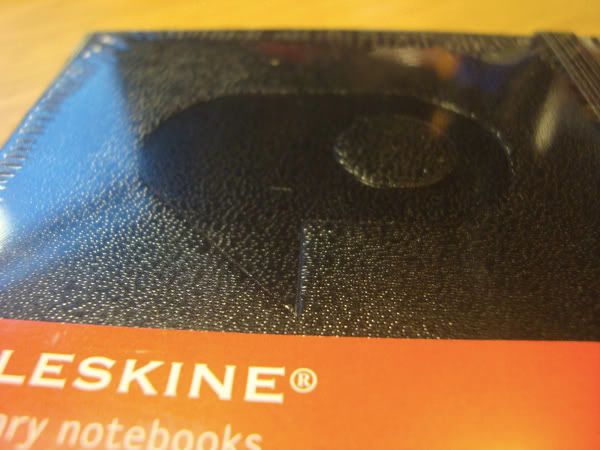
A close up of the embossed logo of Photoshop on Moleskine's weekly planner. And the cooler part? The guy gave me TWO. Surely these are limited and to think of it do I need two of these?

Hm, should I raffle one out to the readers? YES!

There are two ways you can win [in the U.S. only]:

1. Comment below and give me enough reason to send you one. Tell me why you want it and/or how you will use it despite in today's digital world.

OR

2. Tweet the following message: I want that limited Moleskine x Photoshop weekly planner from @jjasef ! http://tiny.cc/yGfgT

Entries will close at 4:00pm Pacific Time on Wednesday February 24, 2010
Raffle Rules:
- 1 entry only [either comment or tweet]
- Open to U.S. only
- Winner will be announced both on blog and twitter so stay tuned and good luck!

Monday, January 18, 2010

Review: Roger von Oech's Y-BALL


First off, I'd like to thank Lynn from Creative Whack Company for the initial contact after reading my review of Roger von Oech's Ball of Whacks. She was kind enough to send me a review of the not-yet-released follow up to the X-Ball, the Y-Ball. I was told that this product will be released sometime in this February.
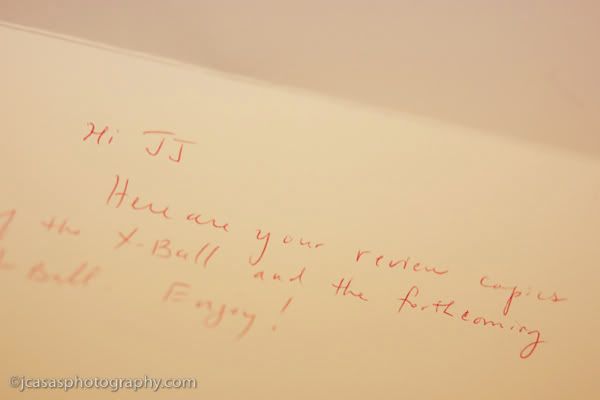

Here's the letter sent to me attached to the package containing the review copy of the Y-Ball.


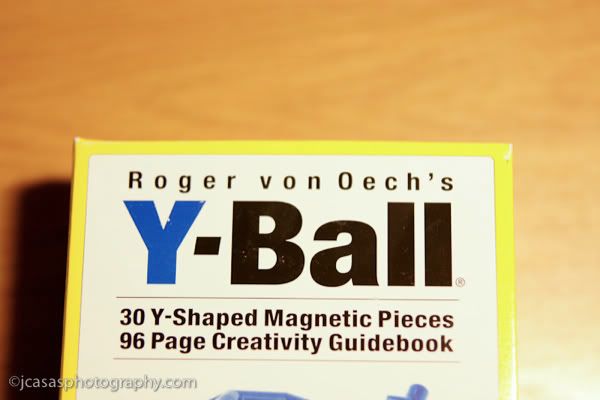
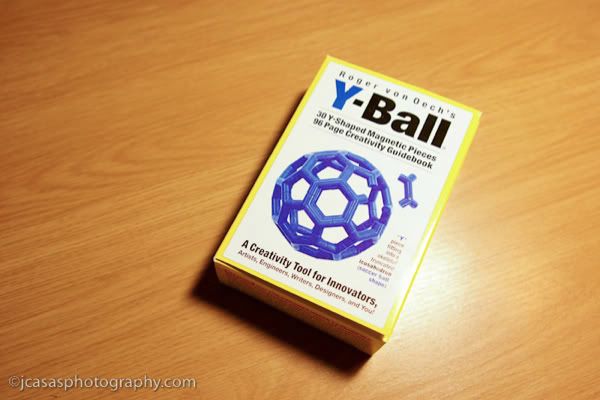
Front package shot.


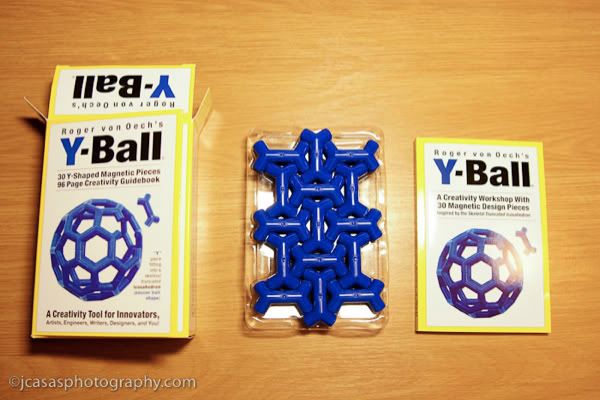
The package includes the 30 Y pieces itself [to make a Ball as pictured] as well as a guidebook to assist in playing with the creative toy.


Just like the previous Ball of Whacks, it is not only a toy to have fun with but also a tool for everyone and anyone.


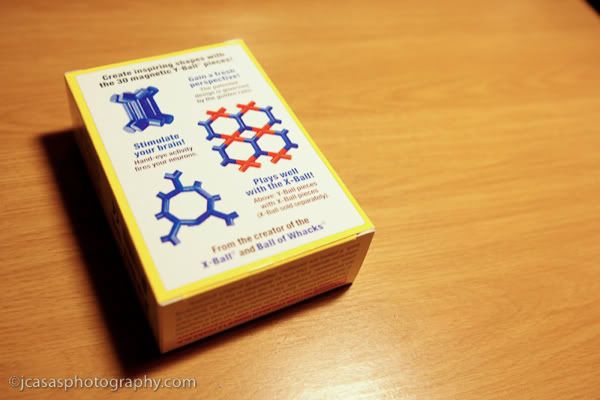
Inside shot of the package.


You can combine the Y-Ball with the X-Ball components to make even more designs, shapes, and endless possibilities.


All its contents.


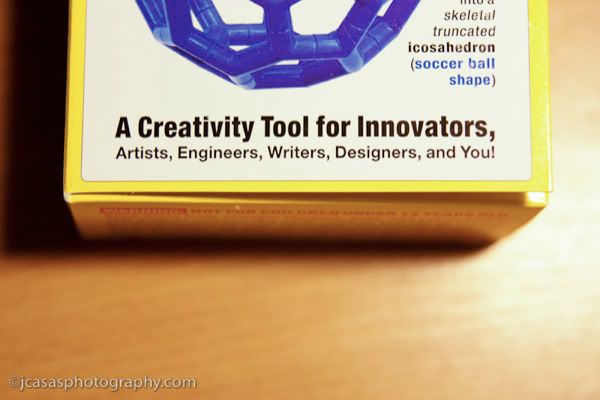
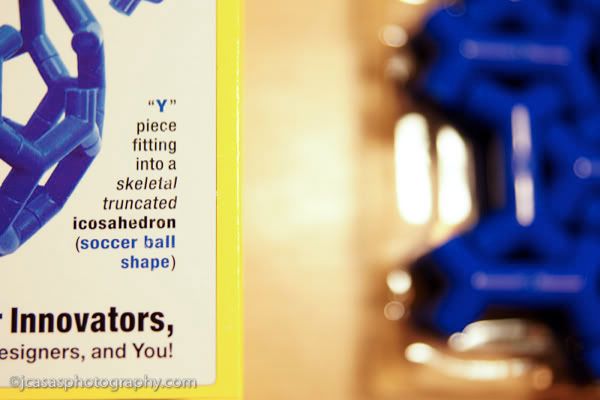
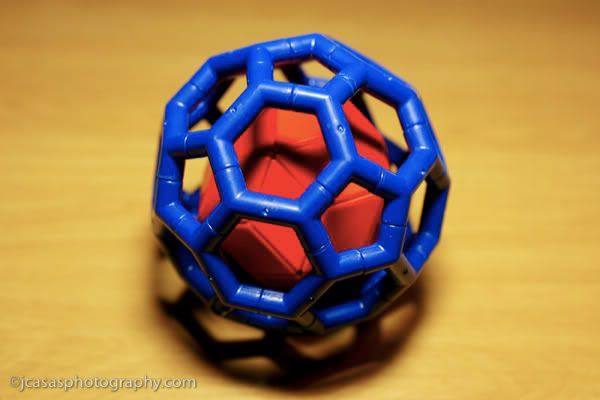
As stated on the package, the Y-Ball is based on the soccer ball shape. And now when anyone mentions a soccer ball, you can impress them [hopefully] by saying that the soccer ball's shape is an icosahedron.


Just like the Ball of Whacks, the Y-Ball comes with a guidebook filled with instructions, tips, and examples of shapes/designs you can make. Right off the bat Roger [von Oech] asks you to play with it and familiarize yourself with the pieces.


The second part is the Creativity Workshop. After being able to familiarize yourself with the pieces, it then guides you into using the Y-Ball as a creative tool to spark ideas and help solve problems. I don't want to spoil its contents but if you'd like to get a good idea of what it contains, do try the Creative Whack Pack either buying the deck or buying the iPhone application. Having the Y-Ball [or the Ball of Whacks/X-Ball] supplements Roger's creativity workshops greatly by being able to exercise your creativity not only mentally but also physically through its pieces.

Lastly, Roger provides background information on the design of the X-Ball itself. If you're into geometry, this is your language written here mentioning icosidodecahedron, truncated icosahedron, and golden ration geometry.


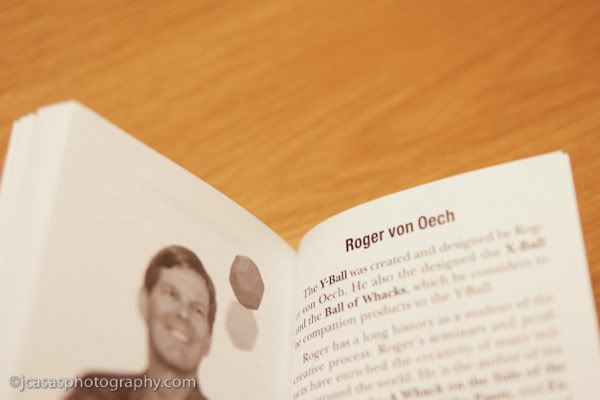
A brief biography of the creator Roger von Oech in the back of the guidebook.


The pieces itself are blue plastic with each "Y" end containing positive and negative magnets. This allows you to attach and detach the pieces to each other easily. Comparing the magnets used in the Y-Ball versus the Ball of Whacks, I can tell that stronger magnets were used and this provides better control and hold of the shapes you can make.


What will you allow your mind and hands creative when you see this on your desk? Or using these pieces to represent a certain problem you have in work or situation, how can you find order within the chaos or find patterns and solutions?


I wanted to recreate the cover image of the package and here is the soccer ball itself assembled.


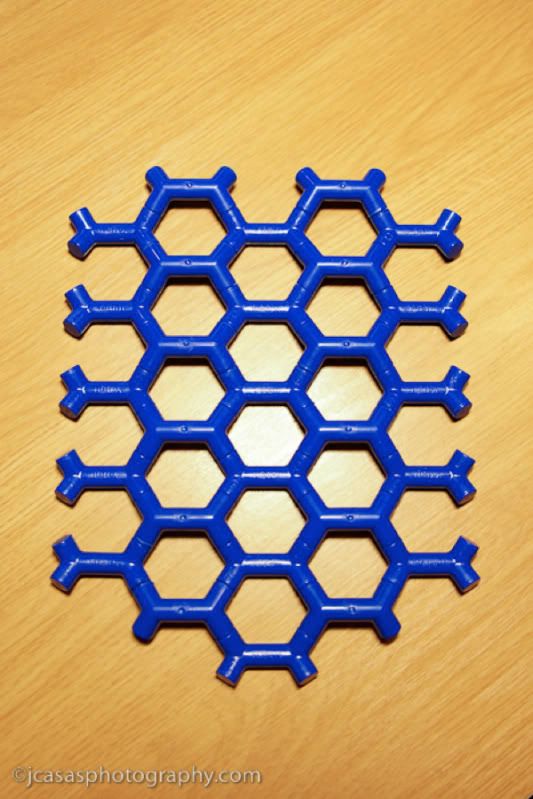
The guidebook offers some examples of patterns/designs and this here is a Flat Weave. Definitely the possibilities are endless especially when you add in the X-Ball and Ball of Whacks.


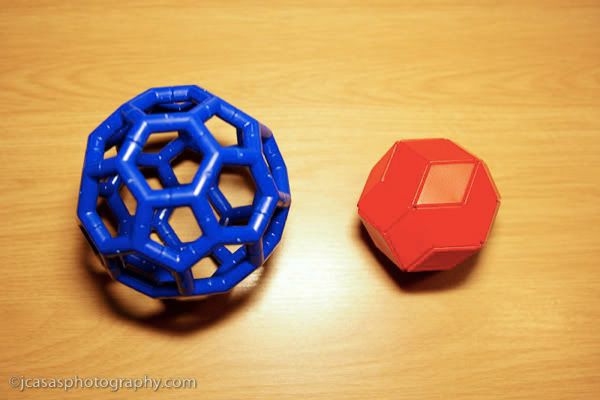
Size comparison of the Y-Ball and Ball of Whacks. The Y-Ball does have a larger footprint than the Ball of Whacks on a desk.


But I quickly found a solution so that I can at least keep both items on my desk without taking up space of the two.

If you're into anything that you like to use your hands to create and build something [i.e. Legos, blocks, etc] the Y-Ball is for you. I thoroughly enjoy my Ball of Whacks because it provides me a mini vacation from my desk and computer without even leaving. The Y-Ball represents that as well. Both the Ball of Whacks and Y-Ball provide me a mental punching bag allowing me to distress and then regroup just by playing with the pieces and creating something.

The the guidebook is just as valuable as the pieces themselves. Roger's creativity workshops are definitely worth a read because they provide exercises to stimulate the mind and spark creativity. It's a definitely a good guide to anyone on a mental block.

One of my important aspects when buying a toy (yes, I still buy toys time to time) is its replay value: how often can I play with this toy and not get tired of it? Video games provide a length of play but once you're done with the story line, that's pretty much it. Action figures are well, action figures that strike a pose indefinitely.

Toys [I mean tools] from Roger von Oech provide an infinite amount of replay time. I will pick it up, play with it and then get tired of it. But again later I will pick it up once again and what I create with it will be different from the last time. For me to be able to pick up it time after time is what I love most about the Ball of Whacks and now the Y-Ball that now resides on my desk.

Saturday, December 26, 2009

Review: Amazon Kindle 2

First Off: Merry [Post] Christmas to you all readers! Secondly, thanks to my girlfriend for this one piece of cool technology for giving it to me as a Christmas present.

Ok ok, so this really caught me in a surprise. Especially about my post "Thinking of Purchasing an E-Book Reader?" Well, for Christmas, my girlfriend got me Amazon's #1 selling product: The Kindle 2.

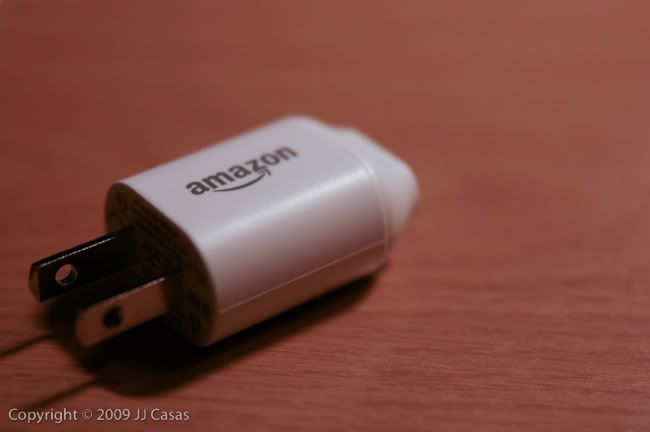
Quick note: Please take note Apple and any other company whose products relies on using a USB connection--include an AC adapter just how Amazon did so! We are buying your $150+ products and we have to hook it up to a computer and/or buy an adapter to charge it?! Just do us a favor and include it. Thanks.

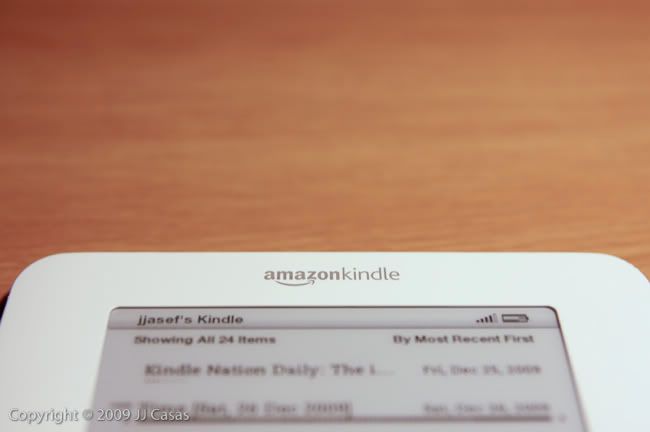
I really didn't see this coming. But as a lover of books and technology, this is something I want especially when it's given to me. =) Low and behold sitting before me is the Amazon Kindle 2 with it's glorious 6" [more on that part later] e-ink display.

There was so much buzz on this product when it hit Amazon's shelves that almost everyone knew what an E-Reader was by the end of 2007. At least I did since I'm a big collector of books to read [and just to own it knowing it's good but haven't had the time to start it].

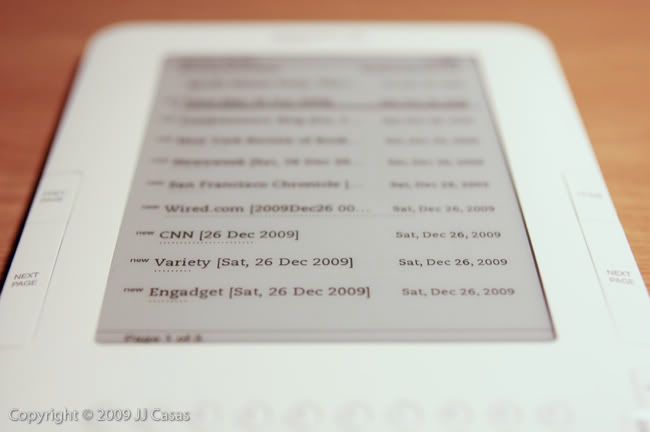
The big selling point to this whole new technology is its electronic ink display that mimics print in real life. It is not an LCD screen in which it squeezes the batteries dry in hours but instead a display that reflects light like normal text printed on paper that can lasts for days of continuous use. Ok, just read the Wiki entry on it if you really want to understand it.

In short though: the display is the best display for text I've seen by far. So good in fact, you'd think it's a demo model in which the manufacturer left a sticker on it to pretend it's on. Yep, it's that good.

The unit itself is easy to hold and has a good even weight--not too light and flimsy and not too heavy so that you won't tired out when you're laying down and reading it.

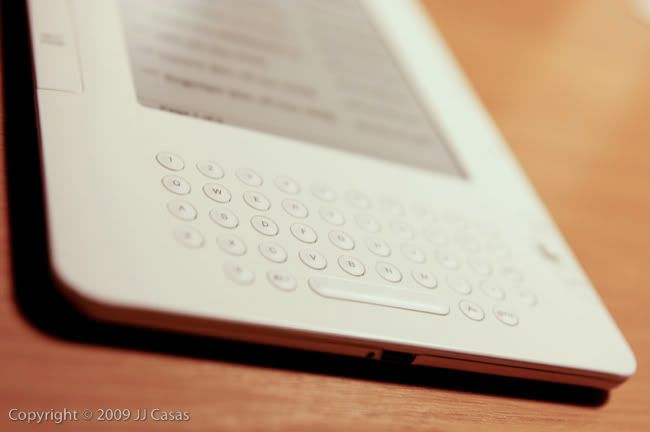
The built in keyboard is strange to see since no other e-book readers have them but after using it, you begin to figure out how would I live without it.

The favorite part is highlighting sentences and making annotations on different parts of the book. Then afterwards, I can look up all my notes/highlights easily.

The other cool part of having a keyboard? I can search any word and it will tell me where exactly where that word appeared throughout the entire book.

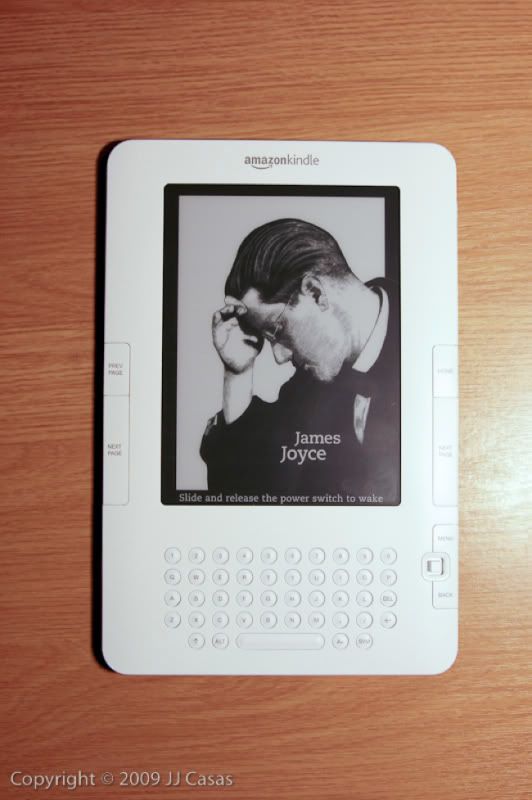
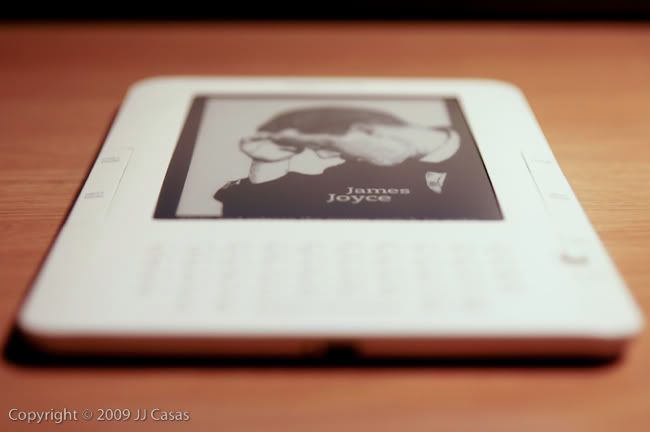
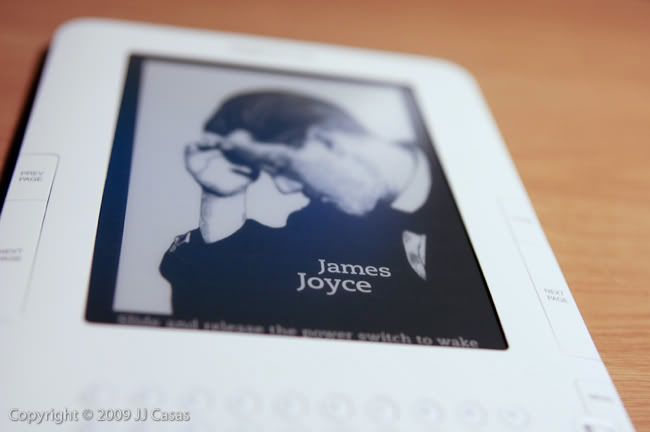
The display is actually "on" but it's really in sleeping mode. The screen changes everytime you put it to sleep and displays a random book art cover, enticing you to pick it up sooner than you think to read a few pages.

There is a 5-directional joystick on the unit in which you use to make highlights and select items in the menus. It is a bit small and bit stiff to get use to though. I'd prefer a trackpad so 1) it would be smoother to use and 2) you don't have to hear constant clicks. [I can just imagine a neighbor I'm sitting to hearing these clicks. Ugh.]

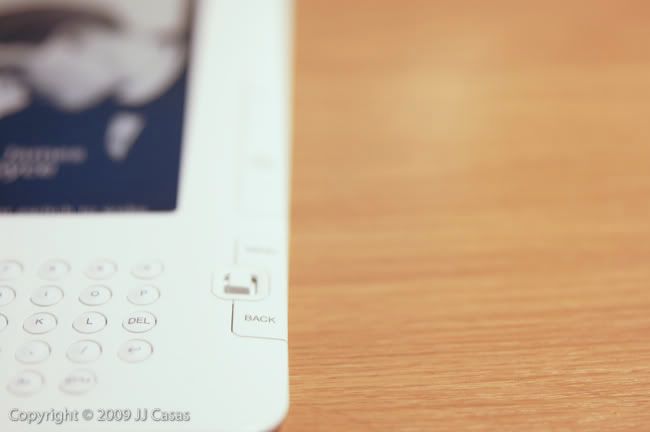
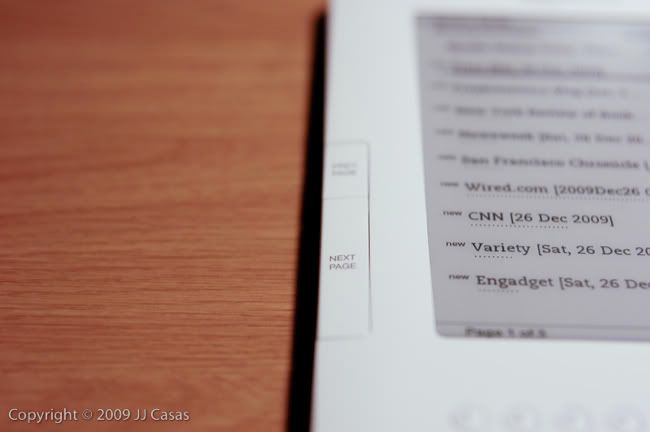
On the side of the Kindle are buttons to flip through its pages--Previous Page and Next Page (on left) and Home and Next Page (on right side). They are properly placed and I haven't had an accidental page flip so far. As mentioned earlier, the clicks of the buttons are annoying in my opinion and wish it was dampened some how.

Yes, those are blogs and you can subscribe to them view Amazon's Kindle Store. The bad part is that you have to pay for them [I know I know: blogs are free!] The good part is there's always a way around things and thanks to Stephan Windwalker's The Complete User's Guide To the Amazing Amazon Kindle 2 , there's a program called Calibre in which you can get countless blogs onto your Kindle. Downside? It's only free since you have to manually plug in your Kindle via USB to your computer. Upside? It's free, you can manage all your e-books, and you can make your own PDF files to upload onto your Kindle.

After reading a bit into Stephan Windwalker's guide, you can really use the included 3G wireless internet that allows you to buy Amazon's books to actually check your email [perfect since it references Gmail], Twitter feeds, Google Reader, and Facebook. Yes, this is really for reading books and blog/magazine subscriptions but to have an extra feature such as simple browsing is a real kick. What does this mean? No more hotspots or free WiFi to find. Downside? It's slow; it's basic internet meaning no Flash and remember: it's a 16 shade grayscale screen you'll be using to surf the web.

Just remember though that 3G wireless internet is meant to buy books and Amazon's book selection is second to none. I've bought 90% of my books on Amazon to begin with [love the free shipping and tax free purchases. Plus, the prices are the lowest for sure compared to any store].

With that being said, not all books are available on the Kindle [so this allows me to still love books, it's cover art, the feel of its pages, and the beauty of its book binding]. The majority of the books that are available are the popular good stuff--New York Times Bestsellers for one. That's not to say it's only that but there are plenty to choose from for sure.

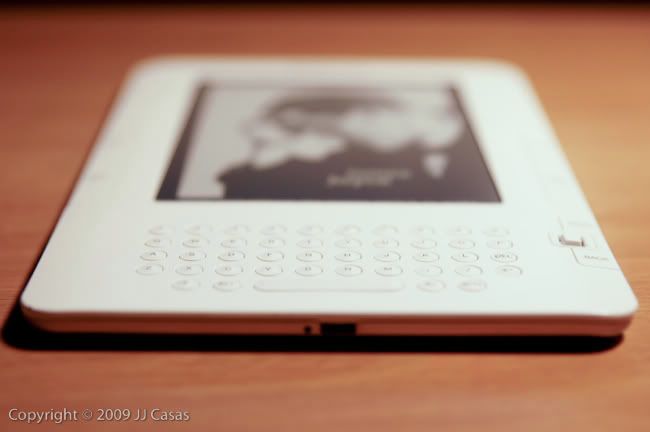
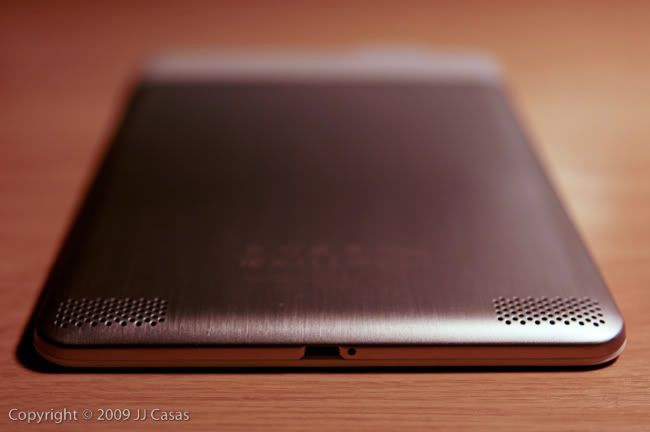
I am not sure of the time that I can spend with the Kindle before have to recharge it but if you did need to, the micro USB port is on the bottom and yellow light gleams [the small hole to the port's left]. When it's fully charged, a green light emits and lets you know when it's fully charged.

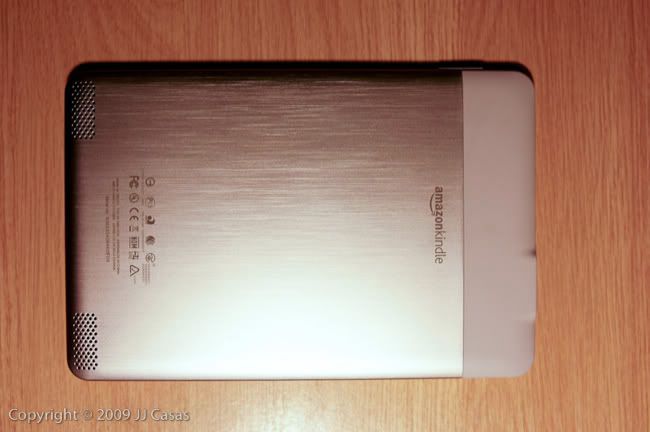
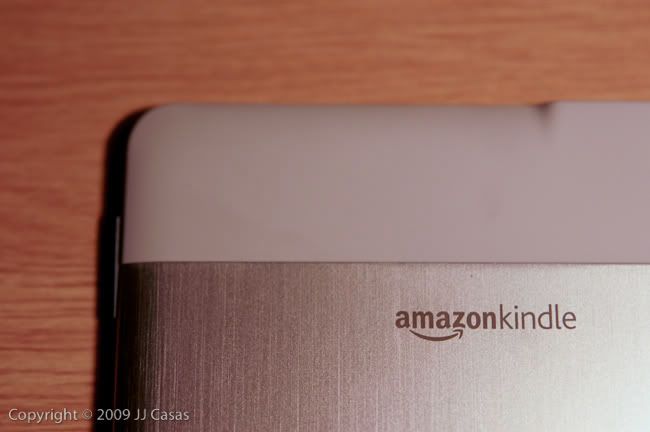
No. This is not a huge iPhone. Amazon did take design cues from Apple though and I'm not mad at all. The first Kindle was something from the 90s although some people like it's boxy curvy design. This time around in version 2.0, Amazon shaved the sharp corners for smooth rounded edges and a nice aluminum back to finish it. The speakers are on the back [strangely enough] and this is for the Text to Speech feature in you can choose a female or male voice to read your book in that robotic smooth talk.

I've tried it and I think I'll read to myself.

On the very top is a headphone jack to listen to your Text to Speeches or listen to music that you can upload when you plug it to your computer.

Another copycat of Apple: no removable battery. That sucks if you're traveling far far from an outlet or computer. I do hope for yall that the battery does last itself and if anything, turn off the internet to preserve battery! Also, no expandable memory. You're stuck with 2GB [really around 1. 6GB] of space to store your content.

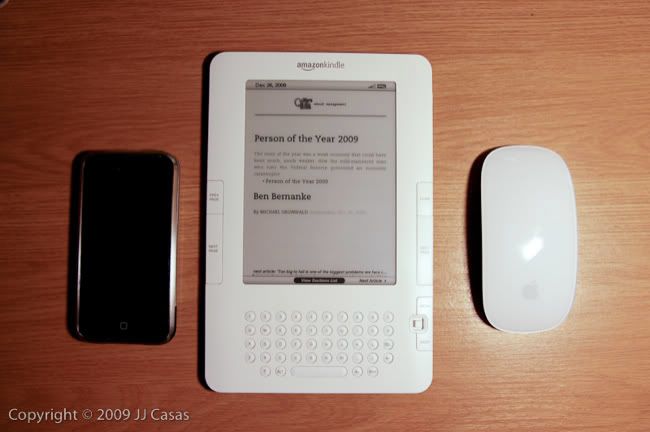
Size comparisons to an iPhone and Apple Magic Mouse.

If you haven't known already, Amazon's Kindle software is available on iPhone, PC and soon to be Mac [if it hasn't already]. Amazon is not only pushing the Kindle but also the software that is used to purchase new books as low as $10 [and of course free].
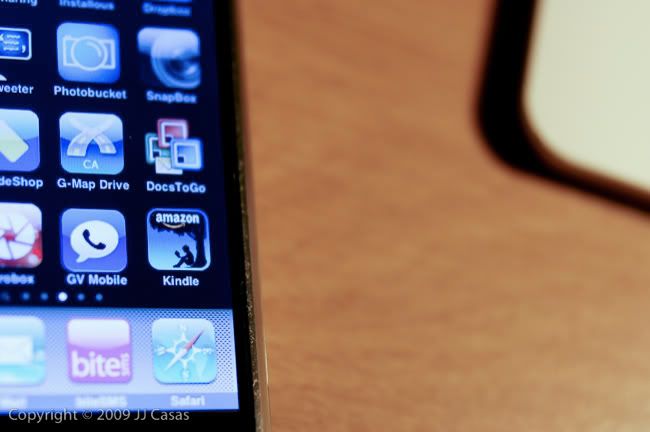
A nice feature of the stand alone software is its utilization of Whispersync, which allows you to continue where you left off on your Kindle on your iPhone and vice versa. Seamless it is!

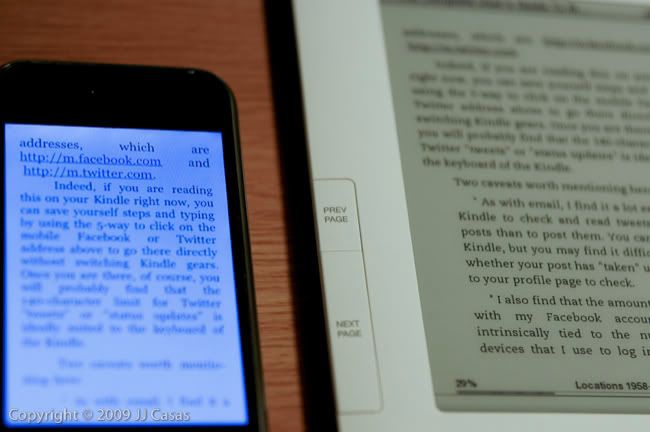
Although some may argue that they can just use their iPhone or other mobile devices to read e-books, it definitely isn't the same as using a device with the e-ink technology.

When I read text on the iPhone, I know that I am reading text off of an iPhone.

When I read text off of the Kindle, I read the text as if I'm reading off a book. The device "disappears" as Jeff Bezos, CEO of Amazon, describes it.

So $259 to read stuff?

Some have already chosen sides. If you want to read a book, then read a book! Flip pages and not worry about slow refresh rates!

The other side will say that it economical--keeps it green by reducing shipping costs, pages, and labor. It is convenient to download books in mere minutes and far cheaper than buying the book itself.

Whichever side you choose, whatever you do make sure to actual view it first and read one page. If you feel that the technology is worth it to read off of a e-ink display screen with a great second-to-none book marketplace then go for it. If you feel that the $259 can already pay for "real books" and don't want to deal with electronics and being afraid to drop a "book," then forget it.

I still find it an amazing piece of technology and will look forward to reading off of it.

Search This Blog!